

Choose by POS software first, not by port count
These six direct-thermal receipt printers have curated positions, not measured performance scores. Check your POS vendor’s current supported-printer list for the exact model and connection type before selecting any hardware. A USB, Ethernet or Wi-Fi label alone does not establish that an app can print.

1. Name your POS
Record your software, version, operating system and payment terminal. Ask the vendor whether the precise printer variant is supported via the connection you intend to use.
2. Plan the connection
USB/serial, Ethernet, Bluetooth and Wi-Fi are different configurations. Verify the exact listed variant and the POS vendor’s support for your operating system; do not infer an interface from a product-family name.
3. Check paper and power
Check roll width, core and diameter, cutter, power supply and where the receipt must emerge. Roll width is not the same as printable width.
For the checkout workflow as a whole, compare the retail POS system guide.

- USB/MFi model
- Direct thermal
- Auto-cutter
- Verify POS-app support.

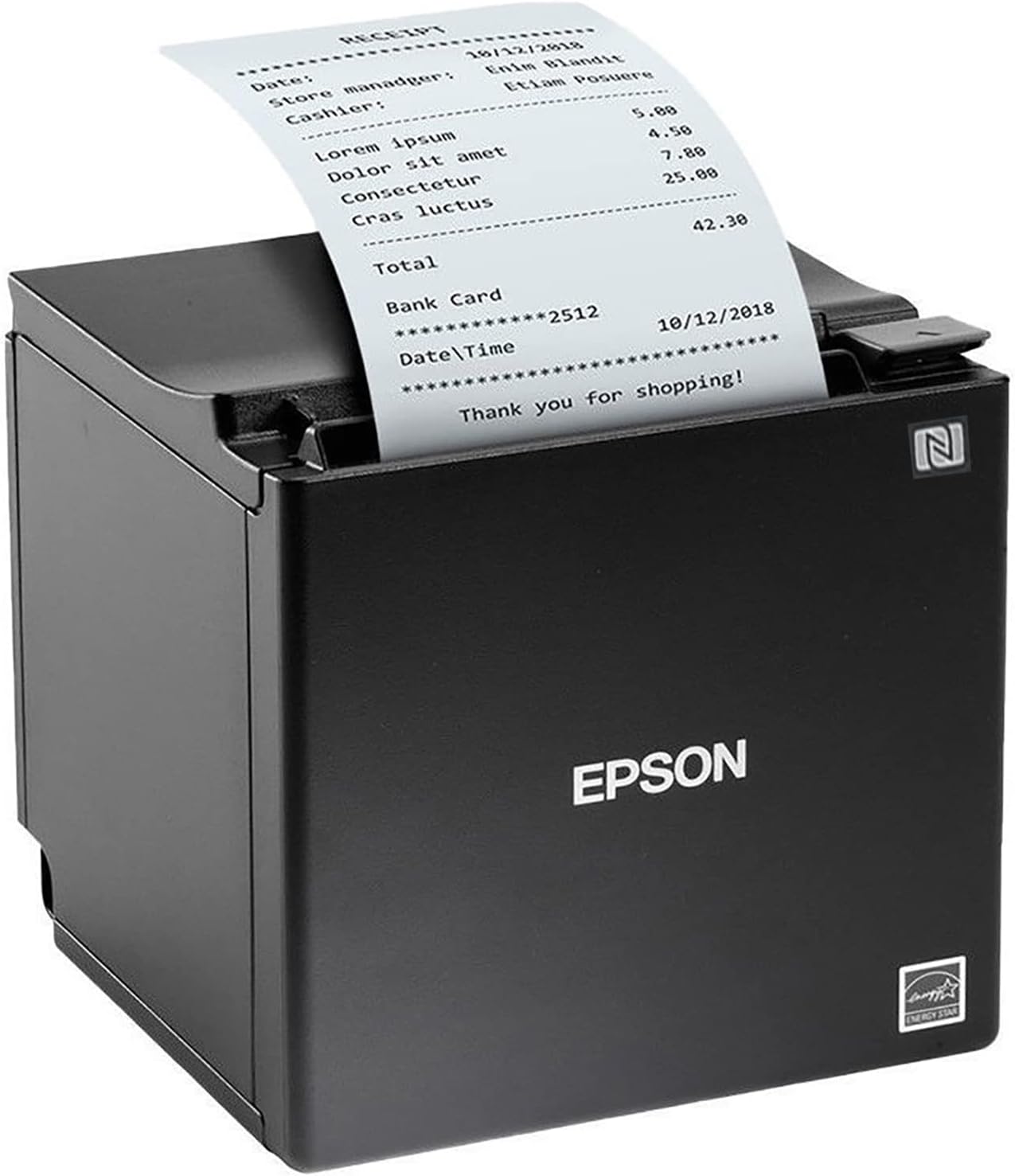
- USB plus Ethernet on this listing
- Thermal output
- Verify POS driver.
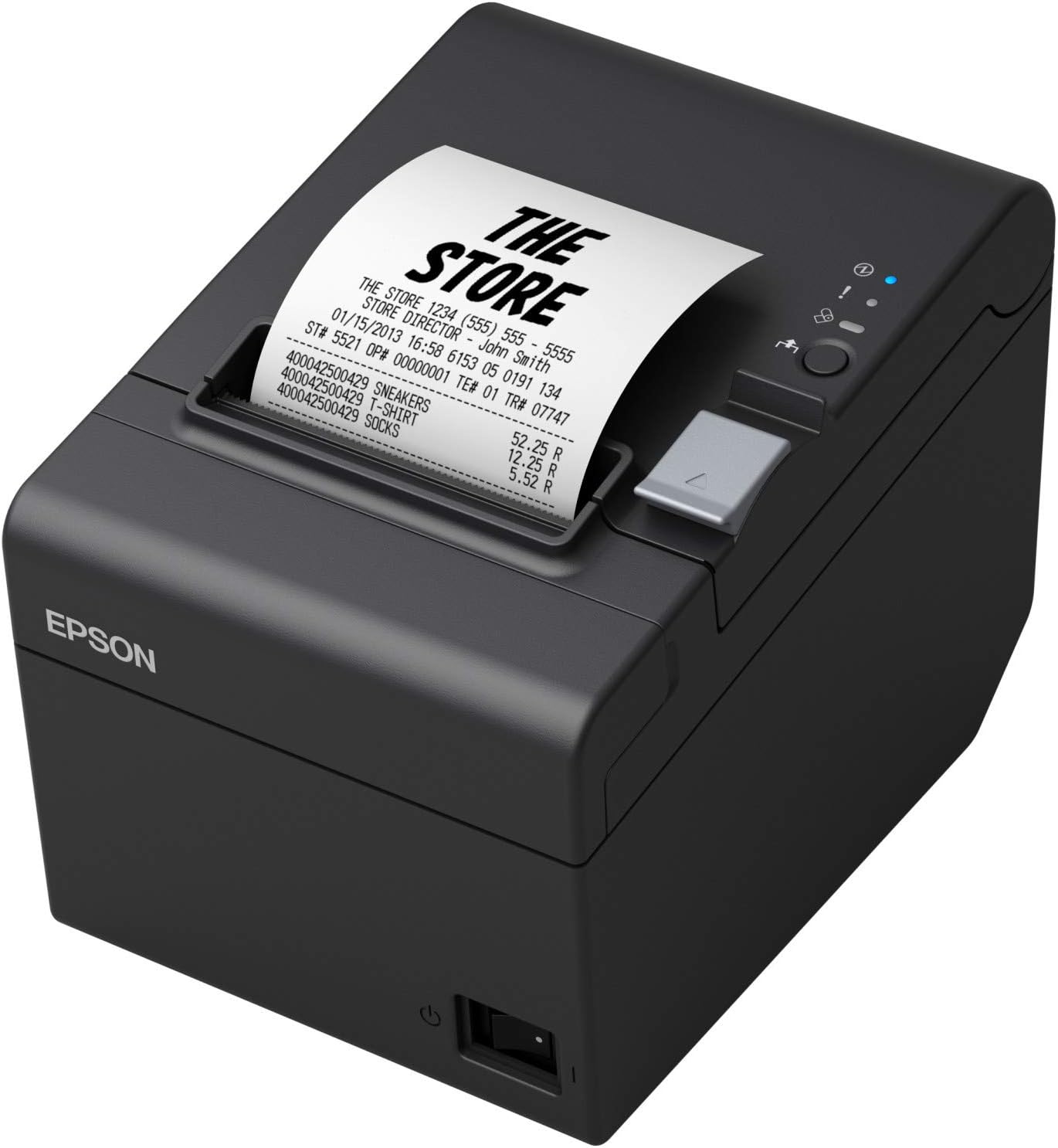
- USB and serial
- No network interface on the listed SKU
- Thermal paper.

- 80 mm thermal paper
- USB/Ethernet
- Model suffix and POS integration need confirmation.

- USB plus Wi-Fi
- No Bluetooth or 5 GHz Wi-Fi
- Verify POS exclusions.

- USB/RS232/Ethernet
- Thermal paper
- Check driver and POS software.
Map the receipt path before ordering
Write down where a sale starts and where the receipt should appear. A tablet checkout, desktop till and networked kitchen may need different drivers and routing even if all use thermal paper. For counter ergonomics, see the tablet POS stand guide; a stable stand still does not add printer software support.

Six exact listings: investigate the stated connections
These are listing/manufacturer descriptions, not tested integrations. Scroll the table sideways on a narrow screen.
| Rank / exact listing | Stated connection | Critical check |
|---|---|---|
| 1 Star TSP143IIIU | USB and MFi | Verify the actual iOS POS app and USB connection method. |
| 2 Epson TM-m30II | USB and Ethernet on this SKU | Confirm SKU and driver; do not assume other family interfaces. |
| 3 Epson TM-T20III C31CH51001 | USB and serial | No Ethernet, Bluetooth or Wi-Fi on this listed variant. |
| 4 MUNBYN 80 mm wired | USB and Ethernet | Do not infer Bluetooth; exact model suffix unconfirmed. |
| 5 MUNBYN P047-WiFi | USB and Wi-Fi | No Bluetooth/5 GHz Wi-Fi; check platform exclusions. |
| 6 RIBAO RB-80-RP | USB, RS232 and Ethernet | Driver availability does not certify the POS app. |

Rolls, cutters and checkout continuity
All six exact destinations describe direct-thermal receipt printers: stock compatible thermal paper, not ink, toner or ribbon. Some listings describe 80 mm rolls or an optional narrower guide, but do not assume every model includes that guide. Check width, roll diameter and core size against the manual. Test receipt alignment, barcodes and cutter action with your own software after installation; no such testing was performed for this guide.
A cash-drawer port is a hardware connection, not assurance your POS can trigger it. If a drawer is part of your station, check its interface and app support using the cash-drawer buying guide. Plan continuity for power/network interruptions with the POS battery-backup guide.
Pre-purchase checklist
- Copy the exact printer SKU, seller and regional offer; check current exclusions on the manufacturer’s page.
- Ask your POS vendor about the exact operating system, app version and wired or wireless print path.
- Verify accepted thermal-roll width, diameter, core and whether any 58 mm guide is included.
- Check the cutter, drawer interface, power supply and actual cables in the selected offer.
- Budget for a test deployment before rolling out multiple checkout stations.
If your job is digitizing receipts rather than printing them, a receipt/document scanner is a different device category.
Receipt printer FAQs
Does Bluetooth mean a receipt printer works with an iPad?
No. Bluetooth hardware does not establish iOS or POS-app support. Confirm the exact model and connection with your software vendor before ordering.
Does a Wi-Fi receipt printer work with every POS app?
No. Wi-Fi is a connection method, not a POS compatibility certificate. Check the exact printer variant, app, operating system and network requirements with the software vendor.
Are all Epson TM-m30II printers Ethernet models?
No. The exact TM-m30II listing in this shortlist advertises USB and Ethernet. Confirm the specific SKU and interfaces; a family name alone does not identify every port.
Do direct-thermal receipt printers need ink?
No ink, toner or ribbon is used for normal direct-thermal printing. They need compatible coated thermal paper; check roll dimensions for the precise printer.
Is 80 mm paper 80 mm of printable width?
No. Media width and effective print width differ. Check the manual’s print-width figure and paper guides for the exact hardware.
What should I check before connecting a cash drawer?
Verify the printer’s drawer port, your drawer cable and voltage requirements, and whether your POS application can send the required drawer-open command. A physical port alone does not guarantee integration.