
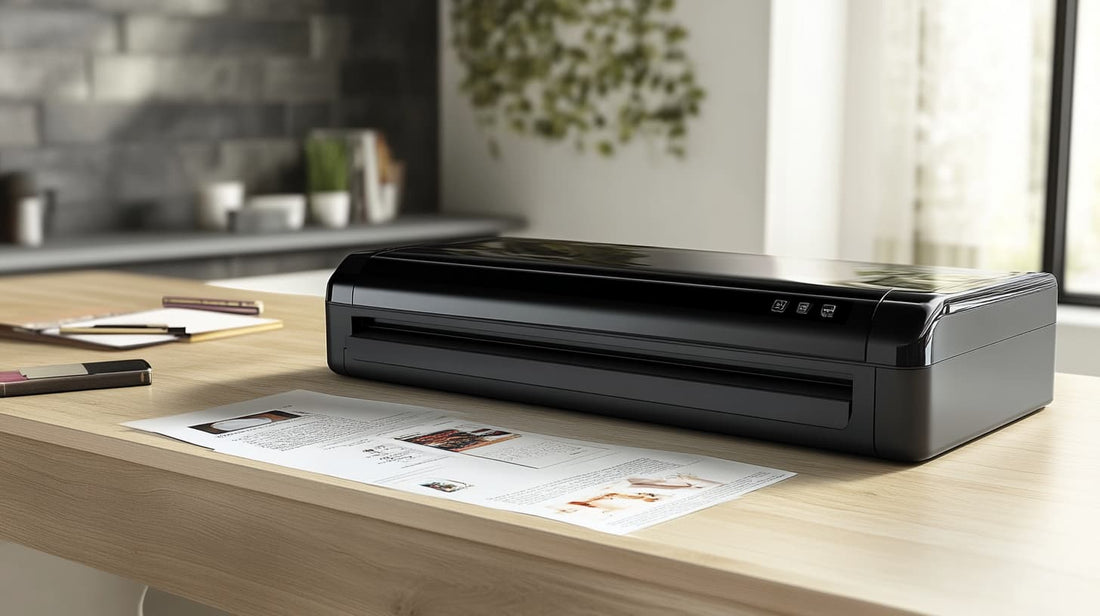
The best laminator machine is the one that matches your document width, pouch thickness, and usual batch size. For everyday home, classroom, craft, or office work, start with reliable 3 mil and 5 mil support, an entry wide enough for letter or A3 sheets, even roller pressure, and a jam-release or auto-reverse control.
Compare warm-up time and feed speed separately: a fast-starting model is convenient for one-off jobs, while higher inches-per-minute throughput saves more time on batches. Auto shut-off, cold mode, and thicker-pouch settings are useful extras, but they should not come at the expense of consistent, bubble-free results.

- InstaHeat technology warms up in 60 seconds flat.
- AutoSense detects pouch thickness and auto-adjusts settings.
- Advanced Pouch Tracking auto-reverses feed to prevent jams.
- Six robust rollers deliver bubble-free, professional-quality finishes.
- Supports hot and cold pouches up to 10 mil thickness.


- InstaHeat technology warms up in just 60 seconds.
- AutoSense system auto-adjusts to any pouch thickness.
- Six rollers deliver bubble-free, professional-quality laminations.
- Supports both hot and cold pouches up to 10 mil.
- Advanced Pouch Tracking with auto-reverse clears misfeeds instantly.

- Handles 3, 5, 7, and 10 mil pouches for versatile protection.
- High-grade silicone rollers withstand up to 0.6 mm thickness.
- Fast 60–90 second warm-up via mica-sheet heating source.
- Motorized auto-reverse clears jams without manual effort.
- Accommodates up to 13-inch wide documents, 11×17 size.

- Rapid 3-minute warm-up time for immediate readiness.
- Four precision rollers deliver bubble-free, even laminations.
- Supports pouches from 3 to 10 mil thickness effortlessly.
- 9-inch throat accommodates documents up to legal size.
- Built-in jam-release lever clears misfeeds in seconds.

- InstaHeat rapid warm-up in just sixty seconds flat
- AutoSense technology for 3 mil, 5 mil, and cold pouches
- Convenient release lever re-centers or ejects jammed pouches
- Laminates up to 12.5 inches wide for larger prints
- Auto-shutoff prevents overheating and saves energy

- 30-second warm-up gets projects started immediately.
- Four high-precision rollers provide smooth bubble-free laminations.
- Laminates 3–10 mil pouches up to 13 inches wide.
- Auto and manual reverse anti-jam system clears blockages.
- 40 inches per minute throughput handles moderate batches.

- Digital temperature control for precise pouch settings.
- Four silicone rollers deliver smooth, bubble-free lamination.
- Heats up in approximately 3–4 minutes for fast readiness.
- Laminates pouches up to 12.5 inches wide effortlessly.
- Auto-reverse function clears jams without tearing pouches.
How to Choose the Best Laminator Machine for Everyday Paper Protection
The best laminator machine is the one that fits the documents you protect most often, warms up quickly, feeds sheets evenly, and works with pouch thicknesses that match your projects. For most homes, teachers, crafters, and small offices, a dependable thermal laminator with A4 or letter-size support, jam release, and 3 mil to 5 mil pouch compatibility is the most practical starting point.
Start by matching the laminator to your real workload. Occasional users can prioritize compact storage and simple controls, while frequent users should look for faster warm-up times, smoother rollers, and stronger anti-jam design. If your projects include menus, signage, flash cards, planner pages, labels, or certificates, the machine should also keep edges sealed cleanly without cloudiness or ripples.

Thermal vs Cold Laminating: Which One Makes Sense?
Thermal laminators use heat to seal the pouch adhesive around paper, which makes them ideal for everyday documents, classroom materials, recipe cards, and office forms. Cold lamination is useful when you need to protect heat-sensitive items, but many buyers choose a machine that offers both modes for flexibility. If you already care about home-office paper workflows, a laminator becomes a natural finishing tool rather than a gadget you only use once.
For standard paper, a thermal laminator is usually the easier choice. It creates a firm finish, works with common pouches, and produces durable results for signs, charts, checklists, and frequently handled pages. Cold mode is best treated as a bonus unless you know you regularly work with heat-sensitive ink, photos, or specialty prints.

Key Features That Matter Before You Buy
Look beyond the headline speed and check the practical details: maximum document width, supported pouch thickness, warm-up time, jam release, roller quality, auto shutoff, and whether the machine stays stable on a desk. A useful laminating machine should make protecting important paper documents easier, not add frustration with crooked feeding or inconsistent sealing.
- Width: Letter/A4 support covers most home and office needs; wider formats are helpful for posters or classroom signs.
- Pouch thickness: 3 mil is flexible for handouts, while 5 mil feels sturdier for cards and signs.
- Jam release: A manual release lever or reverse function can save both the document and the pouch.
- Warm-up and speed: Faster machines are useful when you laminate batches instead of one sheet at a time.
- Safety: Auto shutoff and a cool-touch exterior are especially helpful in busy homes, classrooms, or shared offices.

Best Uses for a Laminator Machine at Home, School, and Work
A laminator machine is most valuable when it supports repeatable routines. At home, it protects chore charts, emergency contacts, recipes, labels, and keepsakes. In classrooms, it extends the life of flash cards, games, desk references, and signage. In an office, it helps with notices, checklists, badges, and presentation materials. These use cases connect naturally with desk setup and organization, labeling and stationery projects, and school paperwork routines because laminated pages are easiest to appreciate when they belong to a larger organizing system.
If you make client-facing packets, training pages, or reusable instruction sheets, lamination also improves the perceived quality of your paperwork. Pair it with presentation-ready pages and consistent trimming for a cleaner finished look.

How to Get Cleaner Laminating Results
Clean results come from alignment, the right pouch thickness, and patience. Leave a small sealed border around the document, feed the pouch sealed-edge first, and let the sheet cool flat before trimming. If the page curls, waves, or looks cloudy, the machine may be too hot, too cold, or moving too quickly for that pouch. For creative layouts, craft and planner projects and photo-safe storage ideas can help you plan what should be laminated before you start sealing pages.
For batch work, group similar pouch sizes together and keep a clean carrier area around the machine. Dust, bent pouches, and rushing the feed are common causes of bubbles and uneven edges. A small paper trimmer nearby also helps create consistent borders after laminating.

Buyer Checklist for the Best Laminator Machine
Before choosing a model, ask five questions: What is the largest sheet you need to laminate? How often will you use it? Do you need 3 mil, 5 mil, or thicker pouch support? Is jam recovery easy? Will the machine live on a desk or be stored between projects? Buyers comparing small-office equipment choices should also consider noise, cooling time, and where replacement pouches will be stored.


For most people, the sweet spot is a compact thermal laminator with reliable rollers, a simple jam-release mechanism, and enough speed for occasional batches. Heavy office users may want a wider or faster model, while crafters should focus on even heat and compatibility with the materials they use most often. Related habits like paper handling tips, organizing receipts and forms, creative laminated inserts, document finishing workflow, study and classroom supplies, and long-term document care can make the machine more useful throughout the year.


Best Laminator Machine FAQ
The best laminator machine for home use is usually a compact thermal model that supports letter or A4 sheets, includes jam release, and works with common 3 mil and 5 mil pouches. It should be easy to store, quick to warm up, and consistent enough for recipes, school forms, labels, and family documents.
A thermal laminator is better for most everyday paper documents because heat creates a strong sealed finish with standard pouches. Cold lamination is useful for heat-sensitive prints or specialty materials, so a machine with both modes offers the most flexibility.
Use 3 mil pouches for flexible everyday pages and 5 mil pouches for sturdier cards, signs, checklists, and classroom materials. Always confirm your laminator supports the pouch thickness before feeding it through the rollers.
Cloudiness or waves usually mean the pouch did not receive the right combination of heat, pressure, and speed. Let the machine fully warm up, use the correct pouch setting, feed the sealed edge first, and allow the finished sheet to cool flat.
Some laminator machines can laminate photos, but heat may affect certain photo papers or inks. If the photo is important, test a copy first or use cold lamination when the machine supports it.
A good jam-release lever, reverse function, straight paper path, and quality rollers all help prevent or recover from jams. Proper pouch alignment and feeding the sealed edge first are just as important.
Clean the laminator whenever adhesive residue, streaking, or feeding problems appear. Run a cleaning sheet or plain carrier sheet according to the manufacturer instructions, and keep dust and trimmed scraps away from the feed slot.